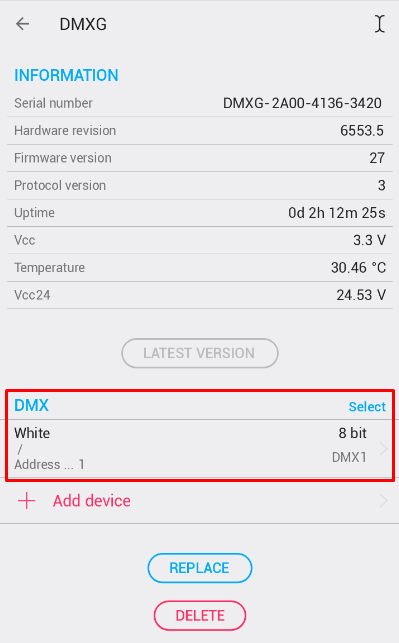
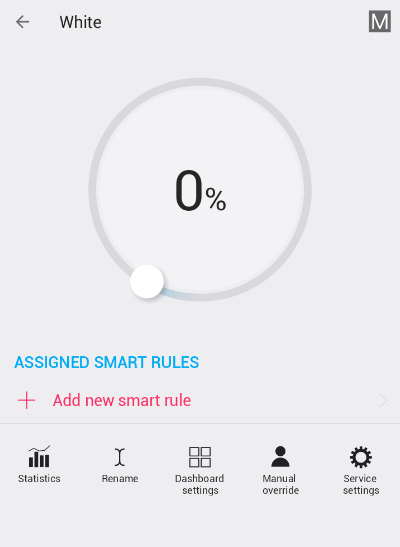
Connect the DMX Gateway to any TapHome BUS terminal. It can be at the terminal along with other TapHome modules.
STEP 2: Set up DMX Gateway within TapHome application
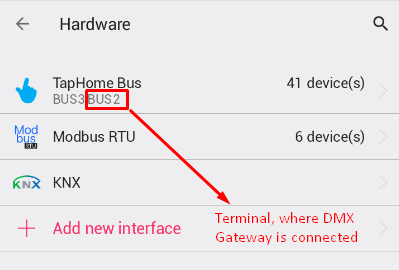
2a) Make sure that terminal is linked to TapHomeBus CCU within the Hardware settings page
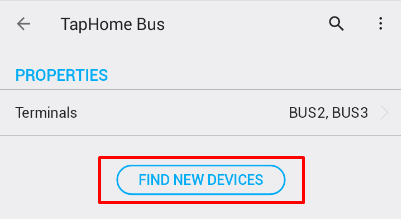
2b) Start ‘Find new devices ’ scan within TapHome Bus settings page
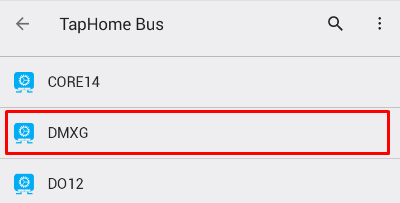
2c) After successful scan open DMXG device within TapHome Bus settings page
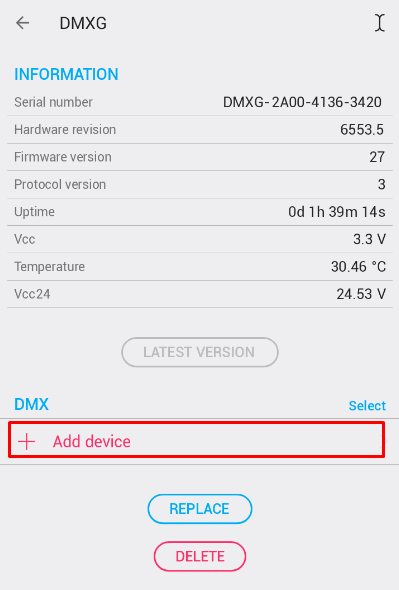
2d) Use “+ Add Device ” to add new DMX device
2e) The result