In this simple guide, you will find instructions on how to set up Rain gauge to measure the amount of rainfall over the last 48 hours.
Installation
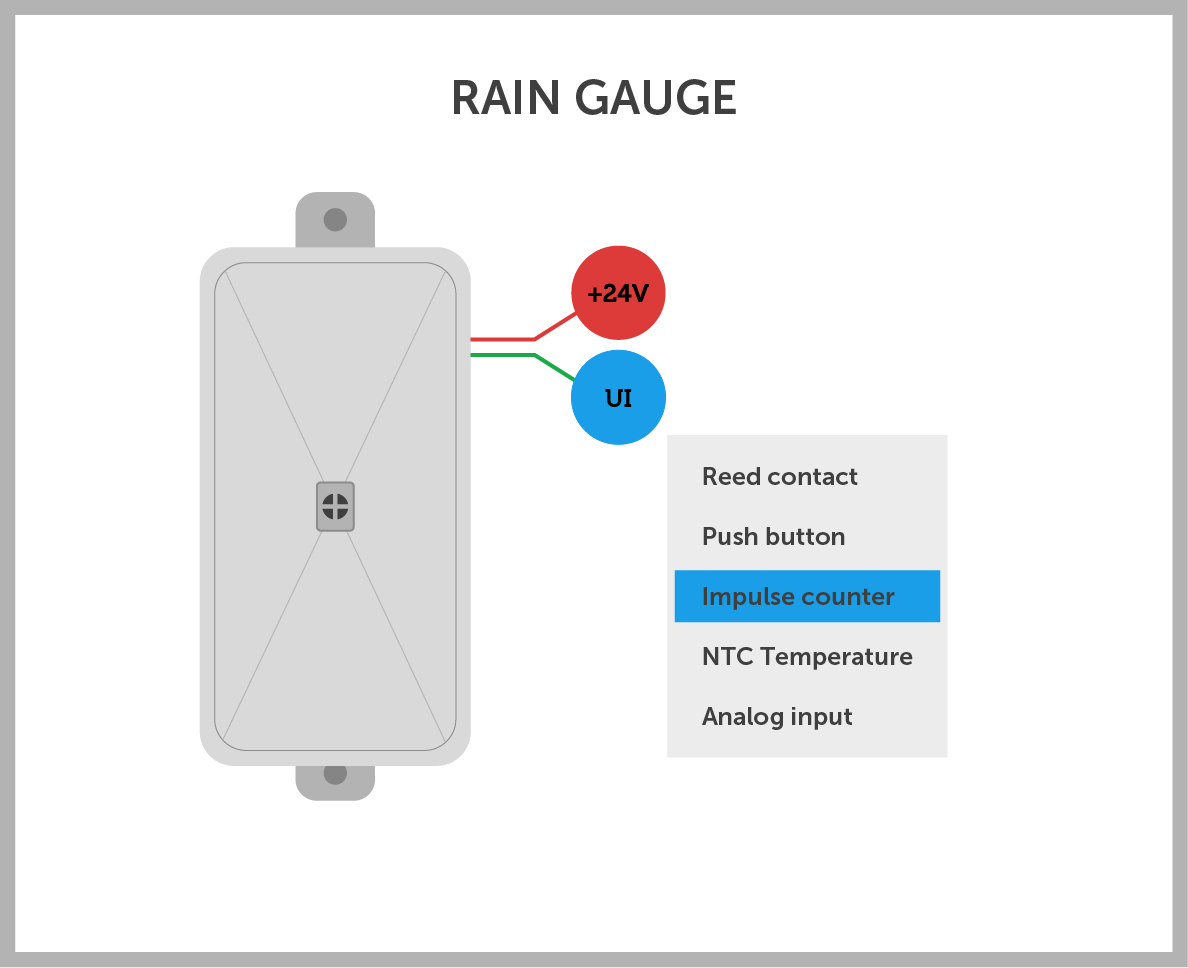
- Mount the rain gauge horizontally (use a level) and make sure there is free space beneath it.
- Connect the red wire to +24V and the green wire to any UI input (24UI, Core UI, 2UI, 6UI/6OC, etc.).
Configuration
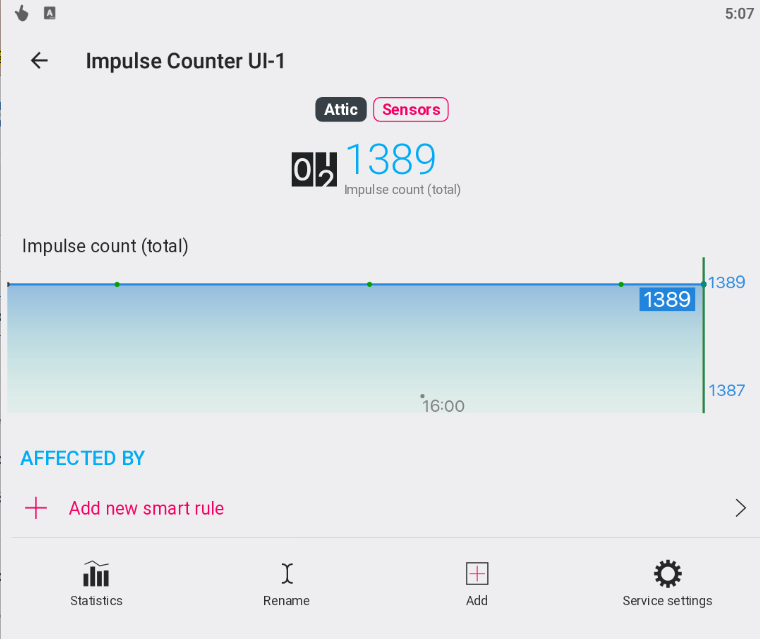
- Open the TapHome app and enable the appropriate input as an impulse counter. This will create an impulse counter device in the TapHome system.
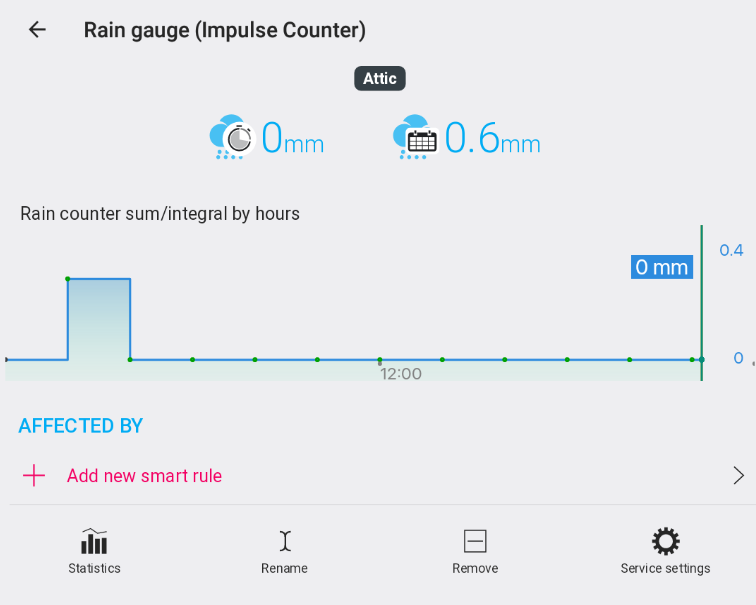
- Go to Settings → Virtual Devices → Add Device and select Rain gauge (Impulse Counter ).
- In the rain gauge device, select the appropriate impulse input and save.
- You now have a functional rain gauge with statistics for the last 3 and 48 hours.
- You can now use it to activate/deactivate the TapHome-controlled automatic irrigation system.
Example
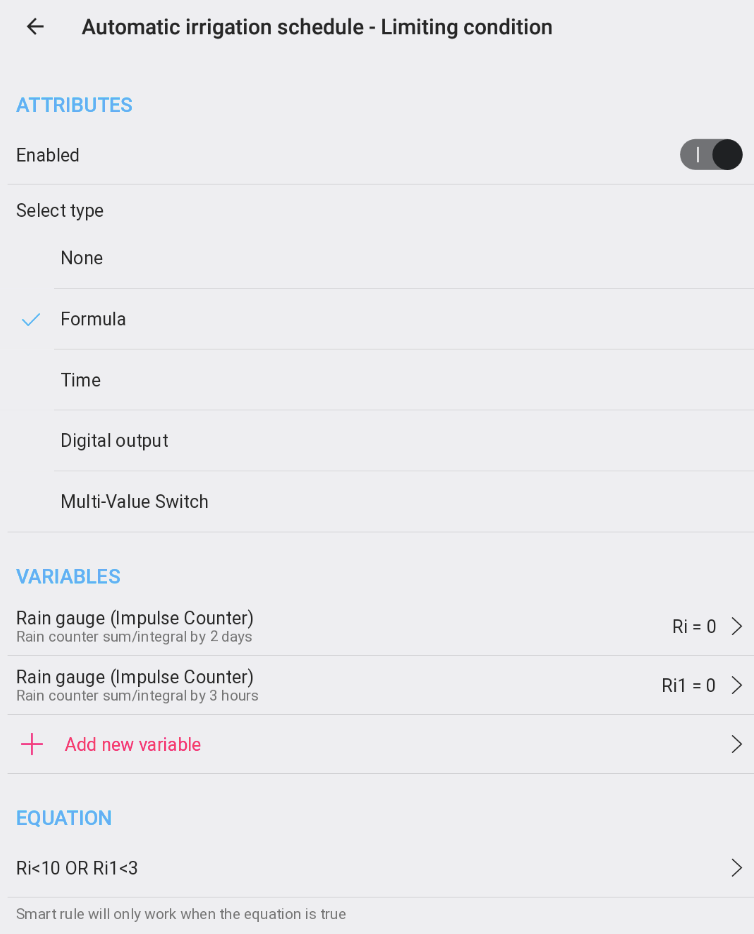
- In the weekly schedule that controls automatic irrigation, activate Limiting condition and select Formula .
- As the input device, select Rain gauge (Impulse Counter ).
- Select the following rainfall statistics:
- Total rainfall / integral over 2 days
- Total rainfall / integral over 3 hours
- Enter the desired condition in the formula.