

A smart home system you can adjust yourself
Installed by our certified partners.
Adjustable by you.
One system. Full control.
Individual functions build on each other and work seamlessly together.


Intuitive Control
One app for control and configuration – everything at your fingertips.


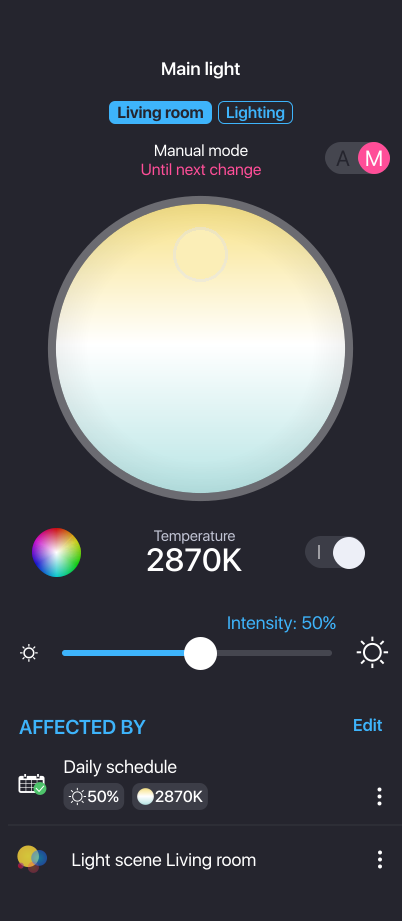
Lighting

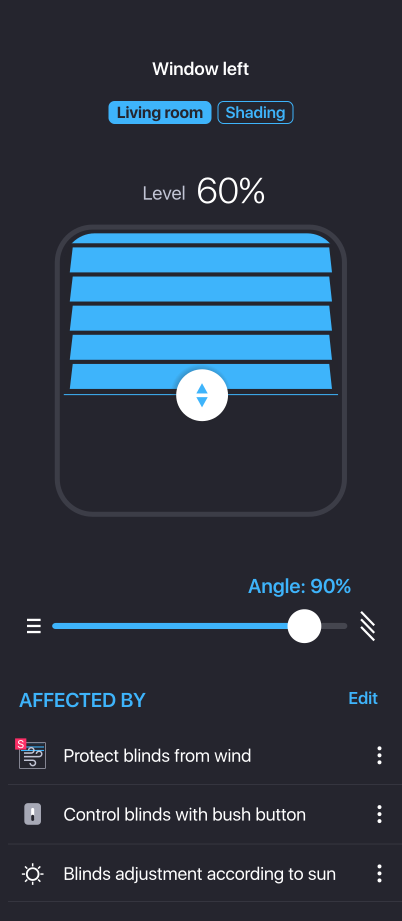
Shading
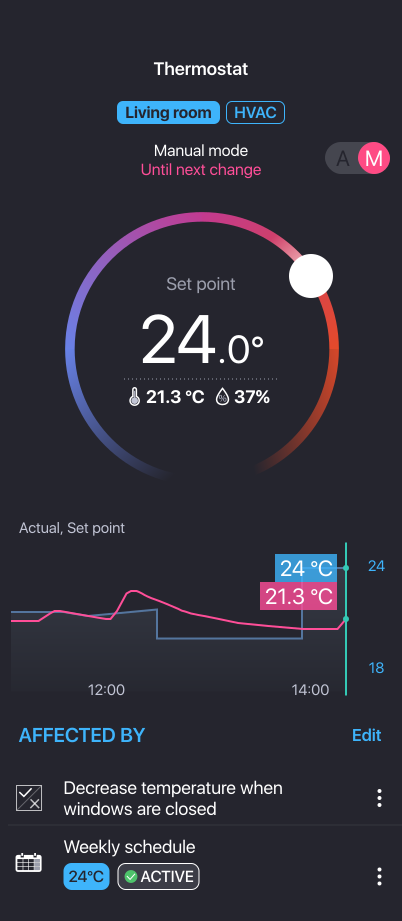
Heating and Cooling
Quality in every detail
Choose a solution built to last — in both materials and design.
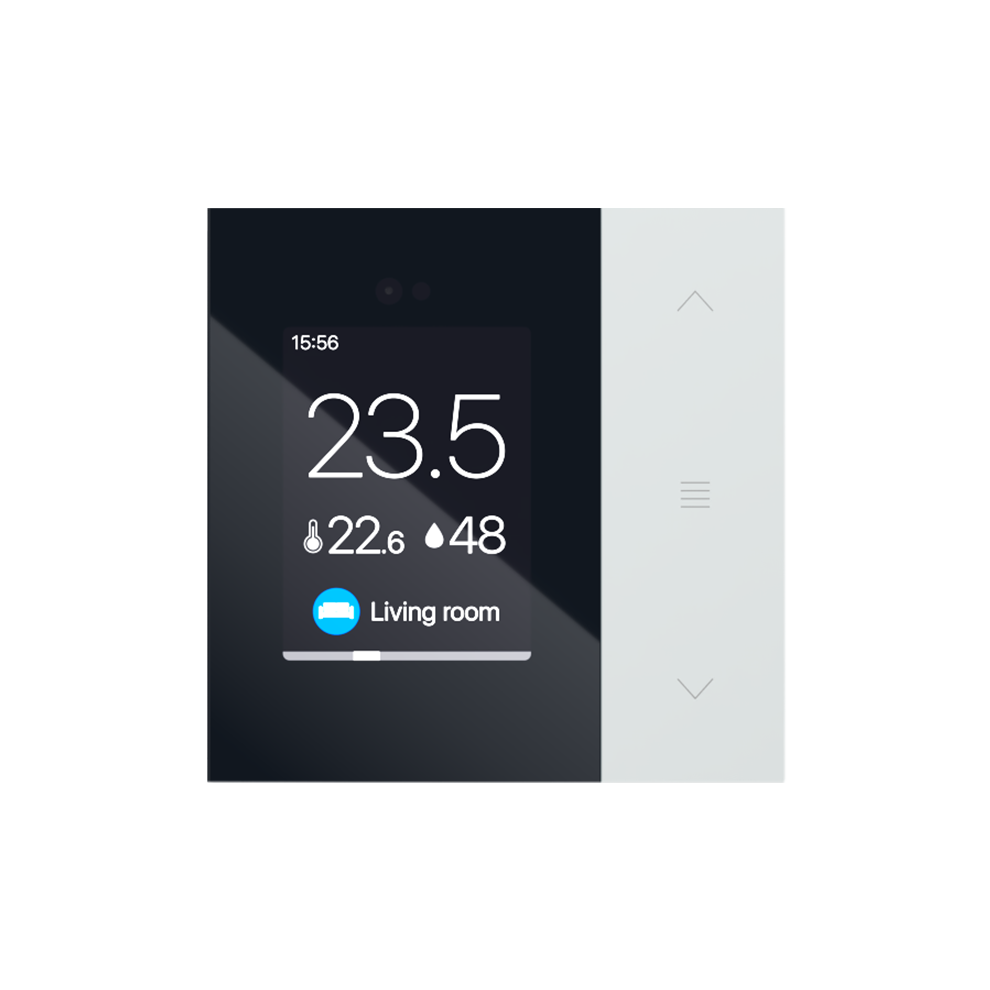
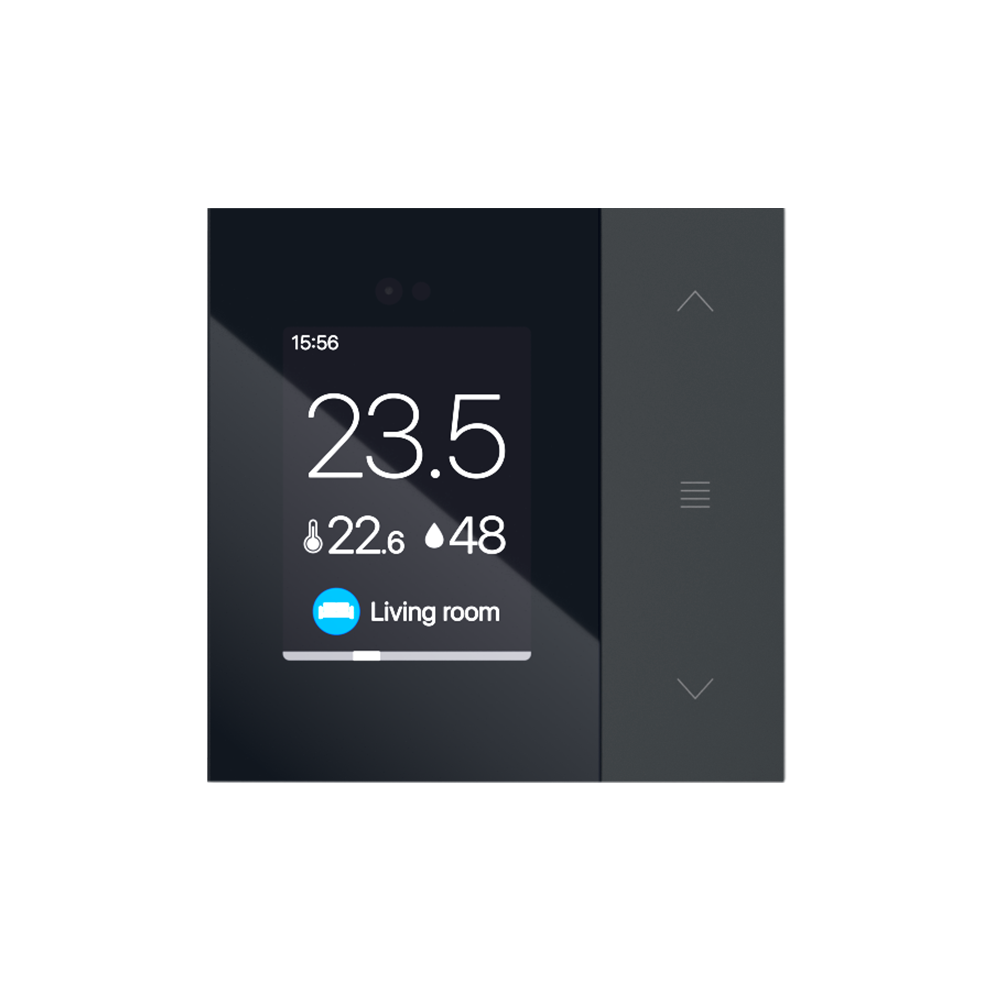
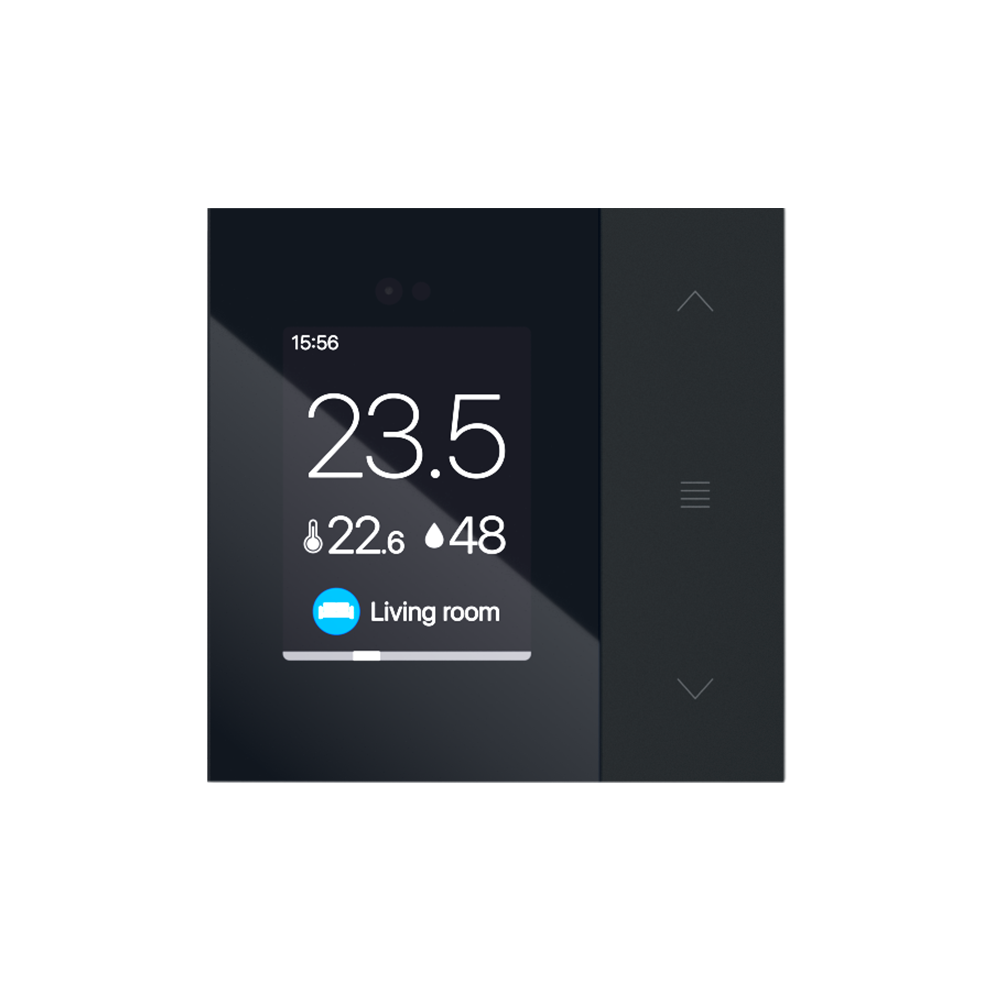
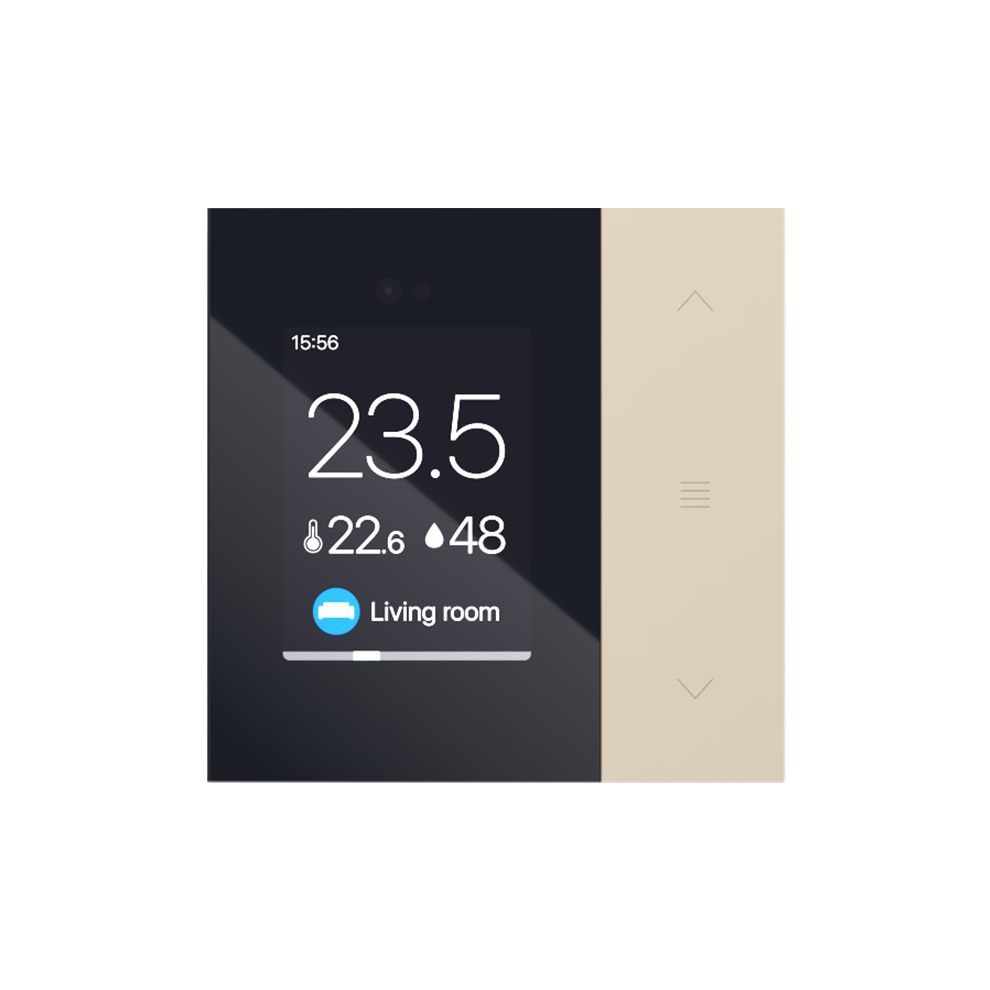
More about DesignController with display
Universal input device serving as a thermostat, blind controller, light controller, and much more.
- Supports up to 10 zones or functions
- Includes temperature, humidity, and proximity sensor
- Automatic display brightness adjustment
- Dimmable night light on the sides

News
We regularly bring new features, products, and updates that push the system forward.

Interactive schemes
Draw a diagram of your configuration as you like, so you can directly see the state of your entire system at one place.
Automatic exports
Export data from your system automatically. Device values, access log, and attendance – everything clearly in one place.

Example of a daily schedule for shading
Blinds adapt to current weather — reducing heat, blocking glare, and preserving your view. Customize your daily schedule anytime.
7:00

Sunrise
SMART RULE
The shading will rise to let in light.

9:00

Bright sun
SMART RULE
The shading will lower and reduce overheating.

11:00

Tilting according to the sun
SMART RULE
The slats are finely adjusted according to the sun's position.

13:00

Strong wind
SMART RULE
In strong winds, the shading will rise.
15:00

Manual control
SMART RULE
Using wall controllers or the app. It has the highest priority (except for safety).
17:00

Enable entrance
SMART RULE
When the balcony door is opened, the blind rises and stays up - protection against being locked out.
20:00

Privacy protection
SMART RULE
At dusk, the blinds automatically lower for greater privacy.

Smart solutions in real homes
There are around 1,000 new residential or commercial projects on TapHome system every year.



Michal Stun
2024-01-17
Great system, highly configurable, stable, lots of integrations out of the box, custom integrations via many protocols possible. In my installation I have integrated lights, heating, …


Tome Pesix
2023-07-18
Great smart home system. Easy adjustable for your specific requirements. I control all of my devices / equipment by one swipe on my phone. Super fast support in case of any questions. It …

Rado Rezak
2023-07-08
We have complex solution from Taphome installed in our new house. Incredible system to simplify life and save the money in longer perspective! #shadowing #lighting #heating …

Calin Haiduc
2023-06-13
Tap Home got our new home alive ! I have almost 300 devices connected and getting everything working was easy , intuitive and fun. We run lights, electrical floor heating, smart sensors a …

Mihai Paun
2021-11-17
I have installed a Tap Home system in my new house to manage the heating and the blinders (for the moment) and I am very happy with my decision. When Tonda, the tech who installed it told me …