
Documentation
Home Assistant Integration
The integration allows you to control exposed TapHome devices using Home Assistant through the TapHome API.
Overview
The TapHome integration enables control of exposed devices through Home Assistant, utilizing the TapHome API for communication.
Supported Device Categories
Lighting Control
- Power switching
- Intensity/brightness adjustment
- Color modification capabilities
Switching Devices
- Electrical sockets
- Digital output controls
Shading Systems
- Position level control
- Slat angle adjustment for blinds
Additional Devices
- Garage door operators
- Temperature and humidity sensors
- TapHome variables
- Motion detectors
- Energy consumption monitors
- Light level sensors
- CO2 detectors
- Wind speed meters
Installation Methods
HACS Installation
Users can install via HACS using the following method:
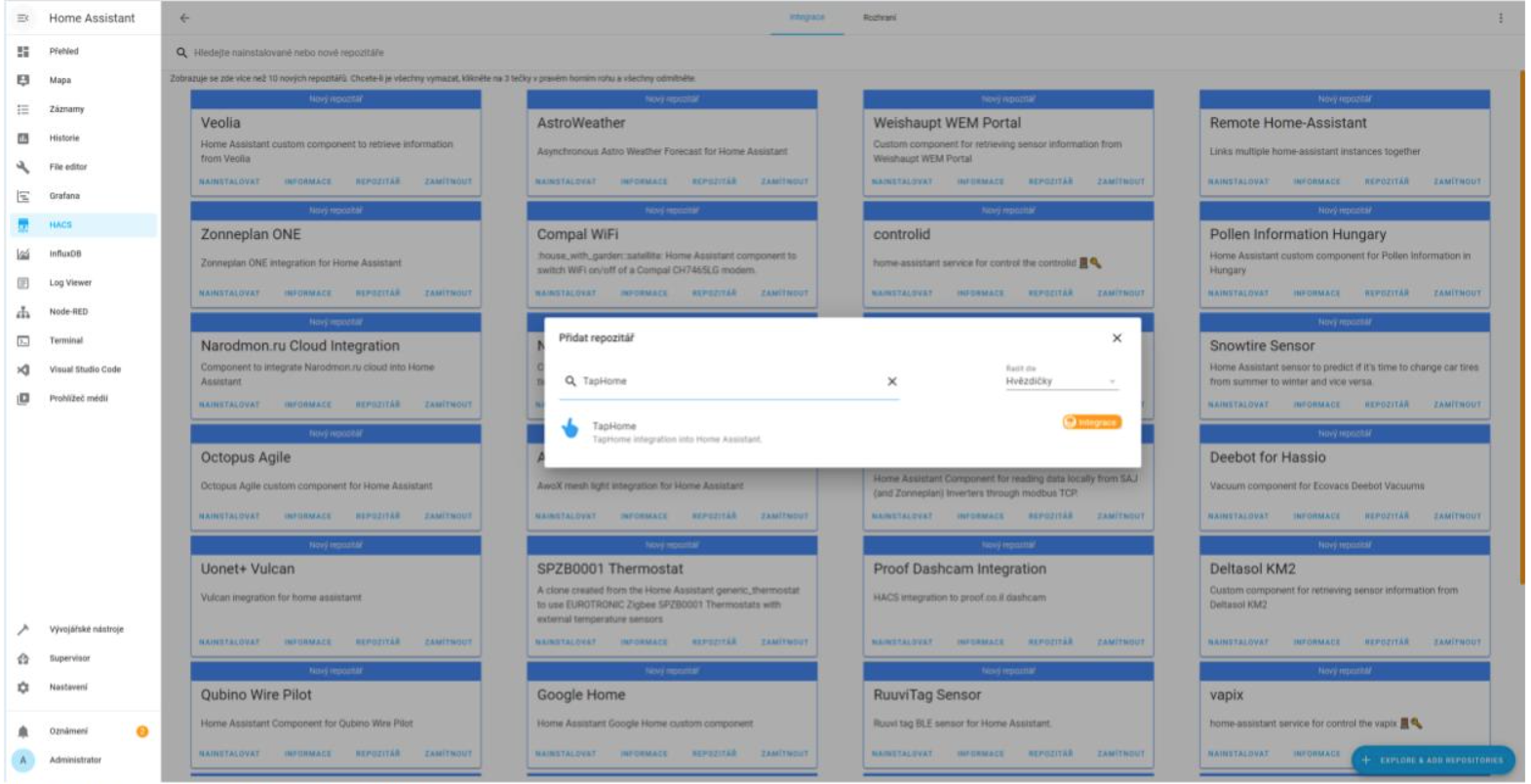
Navigate to “HACS > Integration > Explore & Add Repository > TapHome > Install Repository”
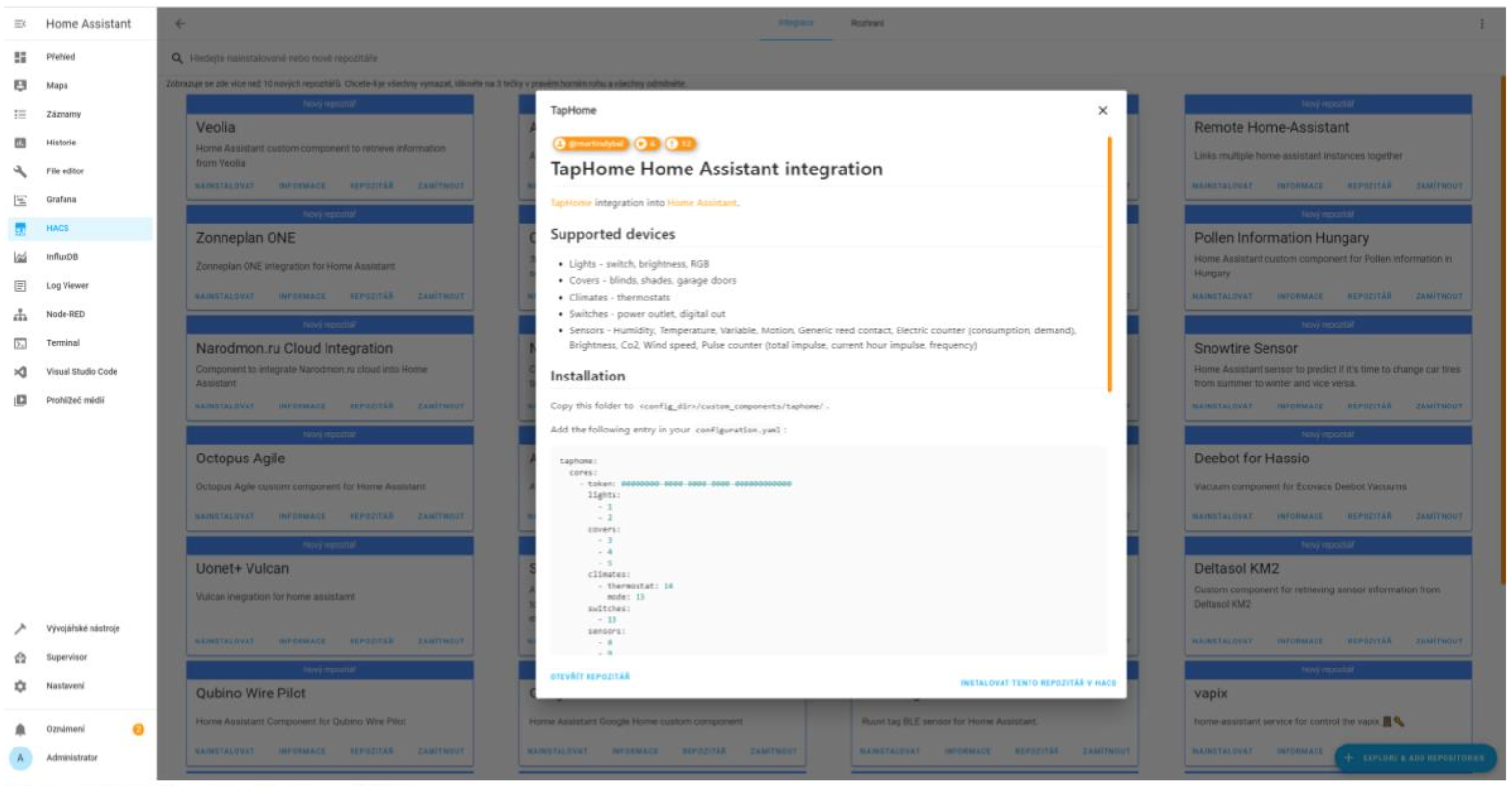
Manual Setup Alternative
Alternatively, you can manually transfer the /custom_components/taphome/ directory contents from the repository to the designated folder location.
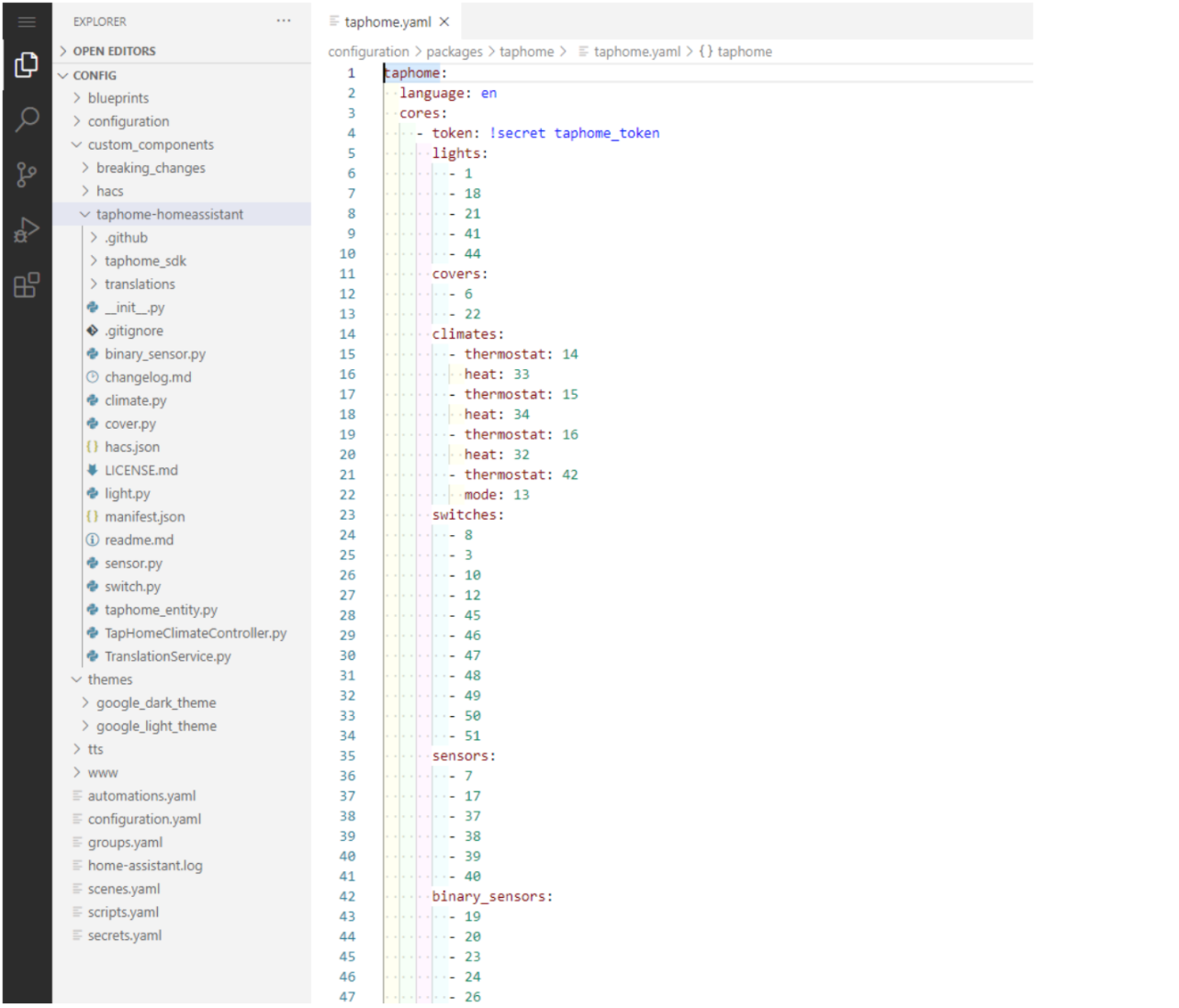
Configuration Requirements
To enable integration, users must:
- Expose devices through TapHome API
- Obtain the device token and ID
- Add credentials to Home Assistant configuration settings
For detailed configuration instructions, refer to the project’s wiki documentation.