
TapHome to KNX
Learn how to expose TapHome IO modules on the proprietary bus and make them accessible within ETS through KNX Gateway integration.
Expose devices feature lets you use TapHome IO modules on its proprietary bus and make them visible / available inside ETS.
1. KNX Gateway
In Hardware → TapHome Bus scan for the KNX Gateway device.
2. Add KNX interface to Expose Devices
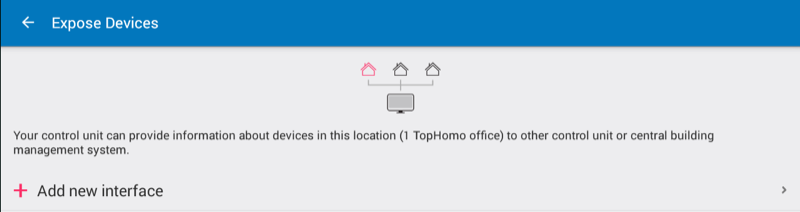
In Setting choose Expose devices and click Add new interface:
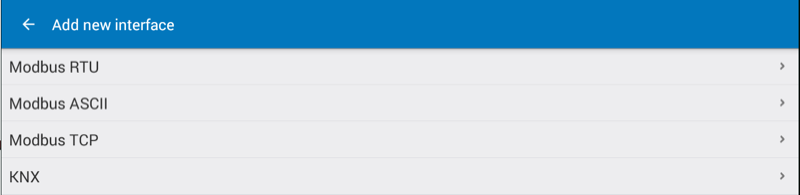
Select KNX from interface list:
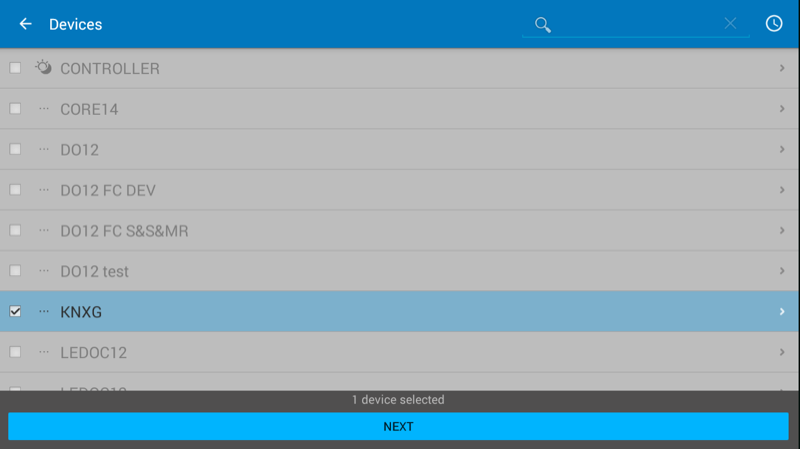
Return to Expose interfaces and click on KNX. Select KNX Gateway and choose the KNXG device from the list and click next:
3. Add devices to KNX Expose Devices Interface
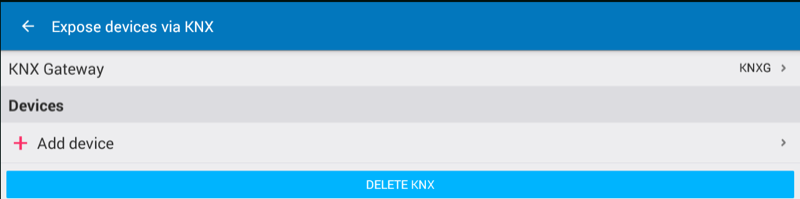
When the KNX interface is defined you can click on Add device:
Choose from list of device and click Next:
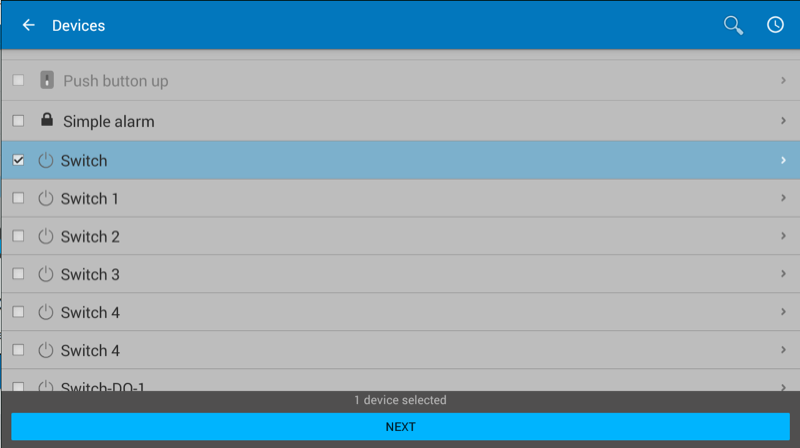
Select the new exposed device and fill the parameters defined in ETS for changing data between TapHome bus and KNX bus:
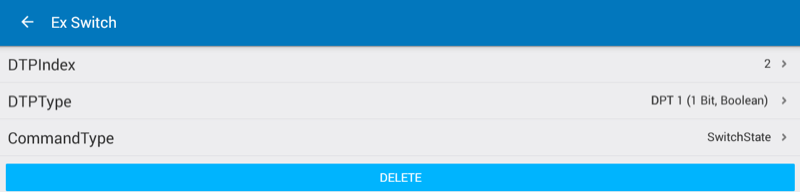
DTPIndex is the data point number, DTPType is the data point type. CommandType defines the TapHome device action which has to be exposed to KNX bus.